Keep this guide while you replace the fictional sample content and prepare your studio site for launch.
01 / Replace the sample work
Replace the four fictional Projects concepts with your own work. The Projects index and project dossier openings, facts and galleries read from this CMS collection. Add descriptive image captions and alt text; the native detail gallery supports full-image viewing. Cover and first gallery image form the dossier opening.
02 / Tune the index
Home is a curated photographic story, edited through AxisJourney image, text and project-link controls. It does not update automatically from the CMS. When you rename a project slug, update its Home link too. Desktop presents a continuous opening and a four-project scroll archive. Mobile has a shorter photographic opening, masked titles and chronological project curtains. Long opening copy, short viewports and reduced motion switch to readable natural flow. Keep the native Projects filter aligned with the CMS Type field and test every category.
03 / Edit your practice
Edit the AxisEditorial service, studio and enquiry entries through their component controls. Replace the studio names, roles and native service descriptions with your own. The shared AxisNavigation controls set menu labels, destinations and photographs across the site. AxisGateway controls the Projects opening, CMS dossier opening and shared photographic footer. Keep colors and media consistent across all four components. Check desktop and mobile after changes.
04 / Connect the native form
The Enquire form is a native Framer form with no configured destination in this preview. Connect your chosen email, webhook or other supported destination in Framer, update your privacy policy, and send a real test submission before publishing.
05 / Set the visual system
Edit the paper, ink and warm accent colors consistently in native styles and custom component controls. Bespoke Serif and Uncut Sans Variable define the type system. Replace photographs with licensed media and inspect crops at narrow and wide screen sizes.
06 / Finish publication
Set site title, description, favicon, social image and domain. Review navigation, project links, image crops, 404, form behavior, privacy copy and keyboard focus at phone, tablet and desktop widths. Test scroll forward and backward, long headings and edited captions. Reduced motion uses a complete static reading layout; the site keeps native scrolling and does not require dragging or a mouse.
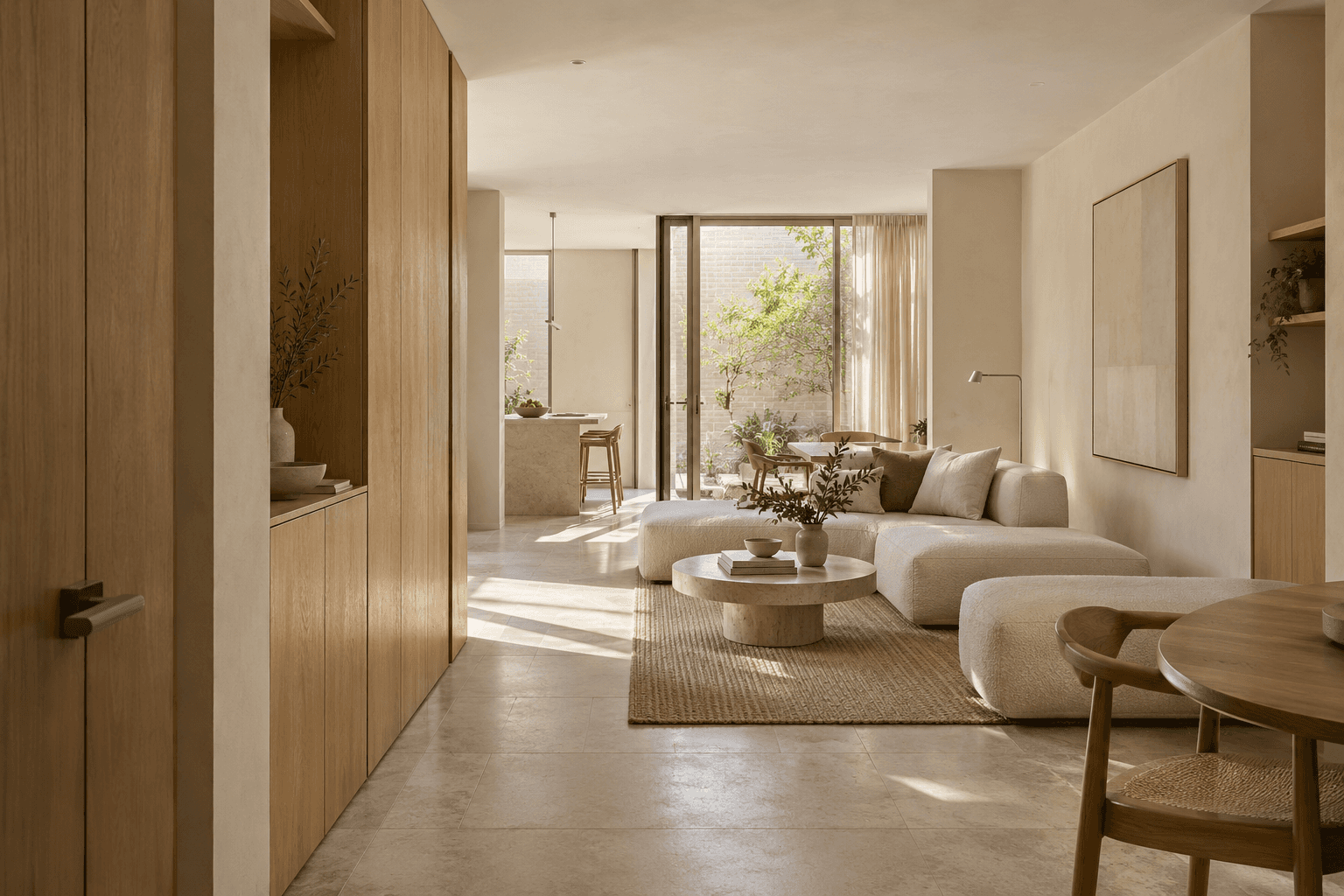
The apartment, arrival lounge, workplace and wellness imagery includes original AI-generated concept art. All four projects are fictional studies, not completed client commissions. Any remaining source photography is credited below under the Unsplash license. Replace sample media with work you can lawfully publish.
Unsplash license
Photograph 1 - source
Photograph 2 - source
Photograph 3 - source
Photograph 4 - source
Photograph 5 - source
Photograph 6 - source
Photograph 7 - source
Photograph 8 - source
Photograph 9 - source
Photograph 10 - source
Photograph 11 - source
Photograph 12 - source
Photograph 13 - source
Photograph 14 - source
Photograph 15 - source
Photograph 16 - source